Solid or glass
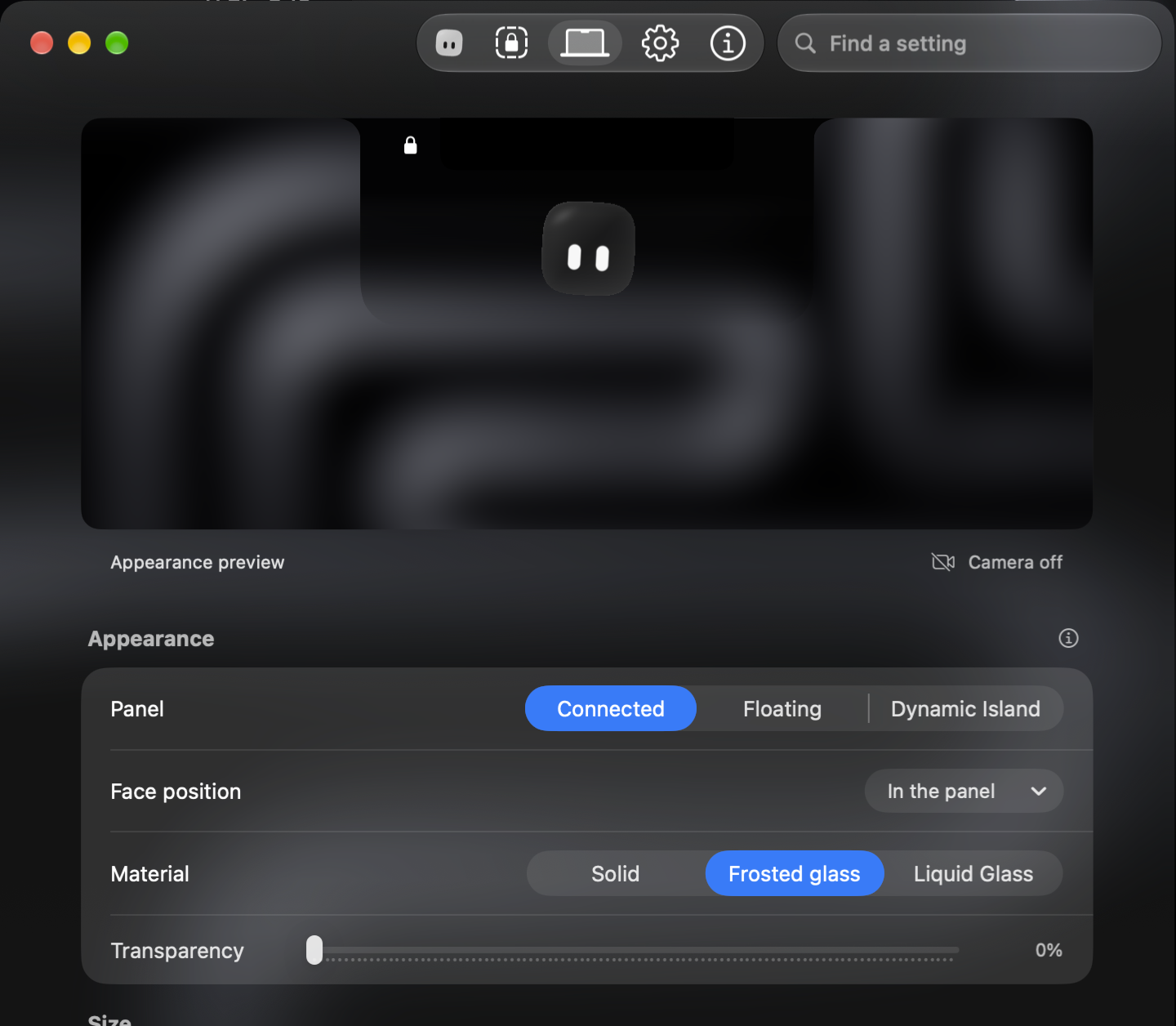
Choose Solid, Frosted glass or Liquid Glass, and how much of your wallpaper shows through.
Gaze uses your Mac’s camera to recognize you at the lock screen, then signs you in. Your password and Touch ID keep working.
Free and open source · macOS 26 or later · Apple silicon or Intel
Gaze sees you at the lock screen and signs you in. Your password and Touch ID keep working.
Pick Liquid Glass and the panel takes on your wallpaper, the way macOS does.
No account and no server. Your face is encrypted on this Mac, and the code is open source.
It’s a convenience, not a lock. Your password still works.
Before it signs you in, Gaze can ask you to turn, nod or blink, so a still photo is harder to use.
Gaze uses your Mac’s regular camera, not Face ID. A photo or video may still fool it.
Nothing unlocks until you’ve tried it and switched it on.
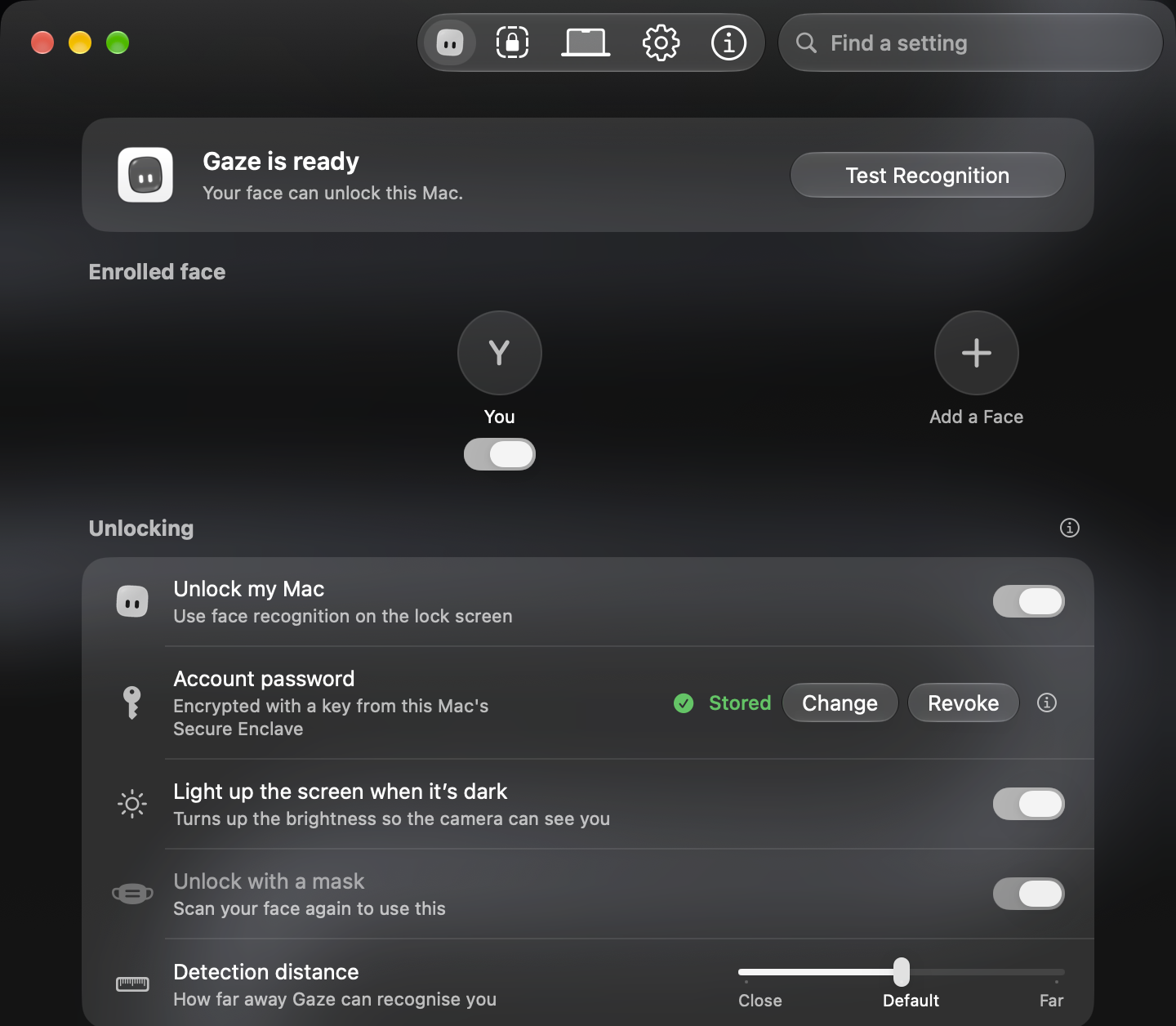
A short guided enrollment with your Mac’s built-in camera.
Test Recognition checks that Gaze knows you, without locking or unlocking your Mac.
Automatic unlocking stays off until you switch it on in Settings.
Choose Solid, Frosted glass or Liquid Glass, and how much of your wallpaper shows through.
Turn it on, and when you step away, Gaze locks your Mac behind you.

Removing a face or changing the stored password can require your confirmation first.

Gaze is an app, not a service. It runs on your Mac, and that’s where it stays.
Read every line on GitHub, or download it and try it tonight.
Free and open source · macOS 26 or later · Apple silicon or Intel
Join the Discord · Made possible by the people in the credits.